Piano transcription online
Transcribe piano music in your browser: upload, wait a few minutes, read the score.
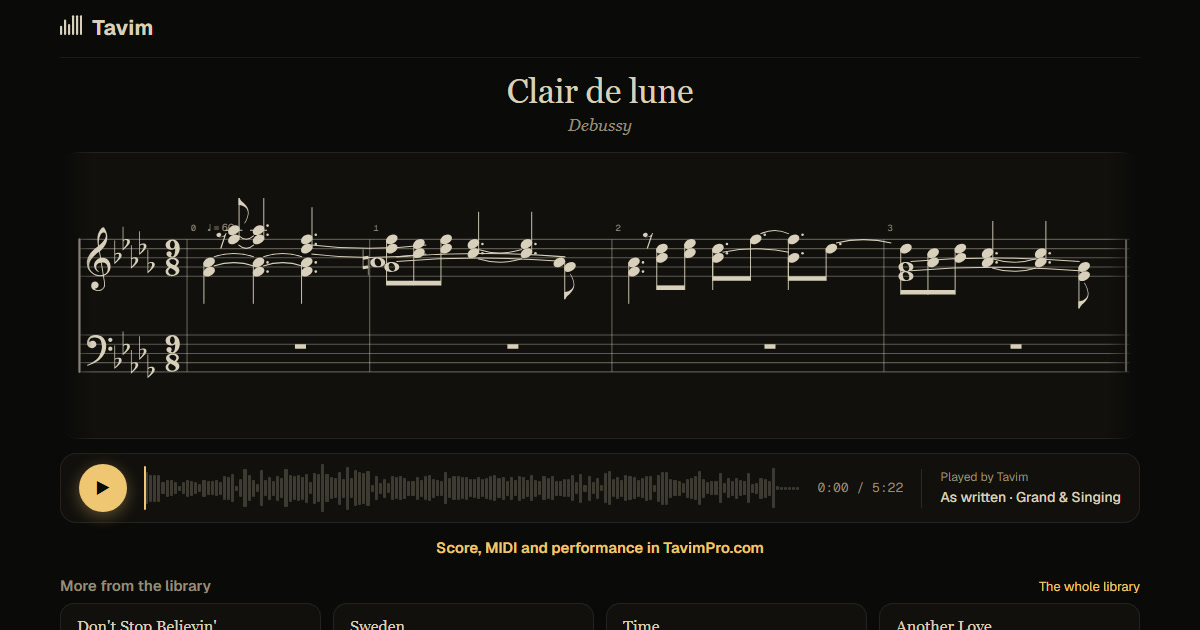
What you get
Everything happens in the browser, nothing to install: the score of the recording with both hands, the key, metre and tempo, every note lit as it plays.
Correct notes on the score, then export it as MusicXML for MuseScore or Sibelius or as MIDI, or share it as a link with its PDF. The performance is replayed on a clean piano too.
The whole job runs on Tavim's side: your computer or phone only uploads the recording and shows the result, so an old laptop or a phone is enough. While it works, the page shows how long is left, and the score appears as soon as it is written. Close the tab if you like; the project is in your library when you come back.
Share the finished score as a link: whoever opens it can read it, play it with the notes lit and download the PDF, on a phone or a computer, without an account.
How it works
- Open Tavim and drop a recording: audio or video, any format.
- Wait while Tavim writes the score; the page shows how long is left.
- Read it, play it with the notes lit, and take it with you.
What works best
Piano works best, alone or clearly heard. Recordings up to an hour are taken. Editing works on a computer; a phone can upload, listen and share.
On well-known pieces the bars are most reliable. It is free while Tavim is in beta: 50 actions a month, and a transcription is one.
Audio and video files in most formats are taken, up to 2 GB a file, from a computer or a phone. For a link to a video, sign up and paste it into the box.
Your projects are private to you until you share a link. Tavim is free while it is in beta: 50 actions a month, and a new transcription is one.