Early version
Audio to guitar tab (early version)
Upload a guitar recording and get the tab and the notes.
What you get
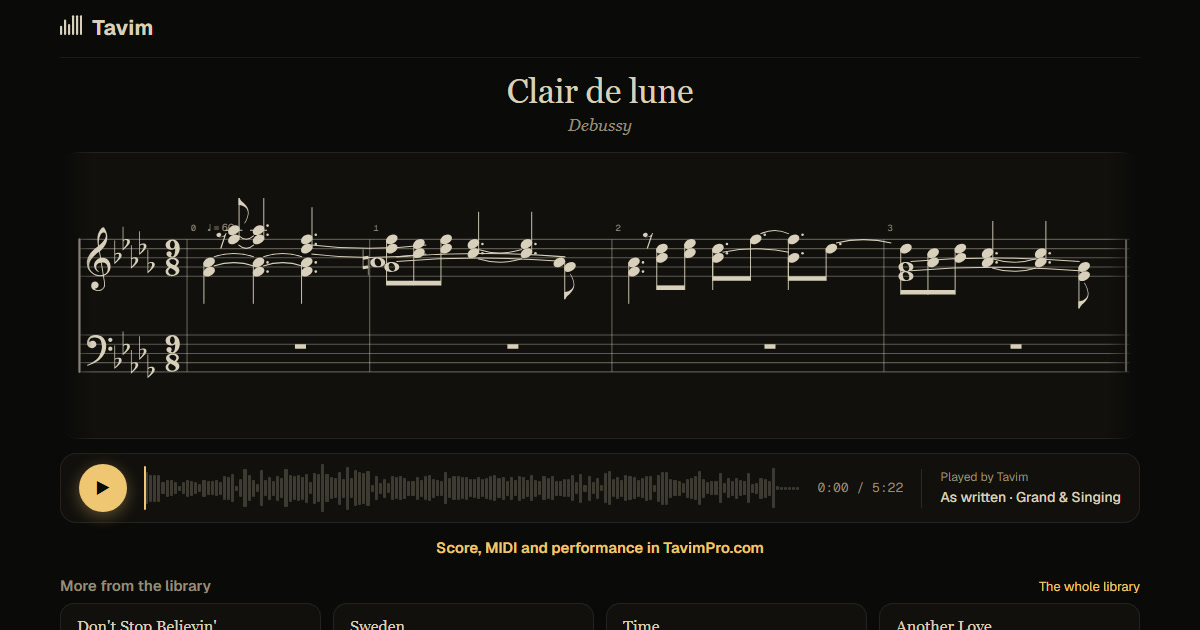
Tavim hears a solo guitar, writes the notes and gives each a string and a fret: the score with its tab under it, lit as the recording plays.
Choose the sheet: Classical, Acoustic or Electric; the tab shows on Acoustic and Electric, and on Classical when you ask for it. Export MusicXML or MIDI. This is an early version: expect to correct more than on piano.
The tab and the notes come from the same transcription, so they agree: each note on the staff has its string and fret under it. Play it and both light as the recording sounds. On a computer you can correct a note in place, its pitch, octave or length, before you export.
Hear the transcription replayed, and switch between it and your recording while it plays, to check the notes and the tab bar by bar before you export. MIDI comes with it, for a DAW.
How it works
- Drop a guitar recording on Tavim.
- Tavim writes the notes, with a string and fret for each.
- Read the tab with the notes lit, correct what you need, and export it.
What works best
A solo guitar, clearly recorded, works best. Recordings up to an hour are taken.
Classical, acoustic and electric guitars each have their own sheet; pick the one that matches, so the tab reads the way that guitar is played.
Guitar is marked early because it is newer than piano in Tavim: a solo guitar works best, and a strummed accompaniment or a band is harder to hear. Audio and video files in most formats are taken, up to 2 GB a file.
Your projects are private to you until you share a link. Tavim is free while it is in beta: 50 actions a month, and a new transcription is one.