Audio to MusicXML, ready for your notation software
Get a MusicXML file from a piano recording and open it in MuseScore, Sibelius, Finale or Dorico.
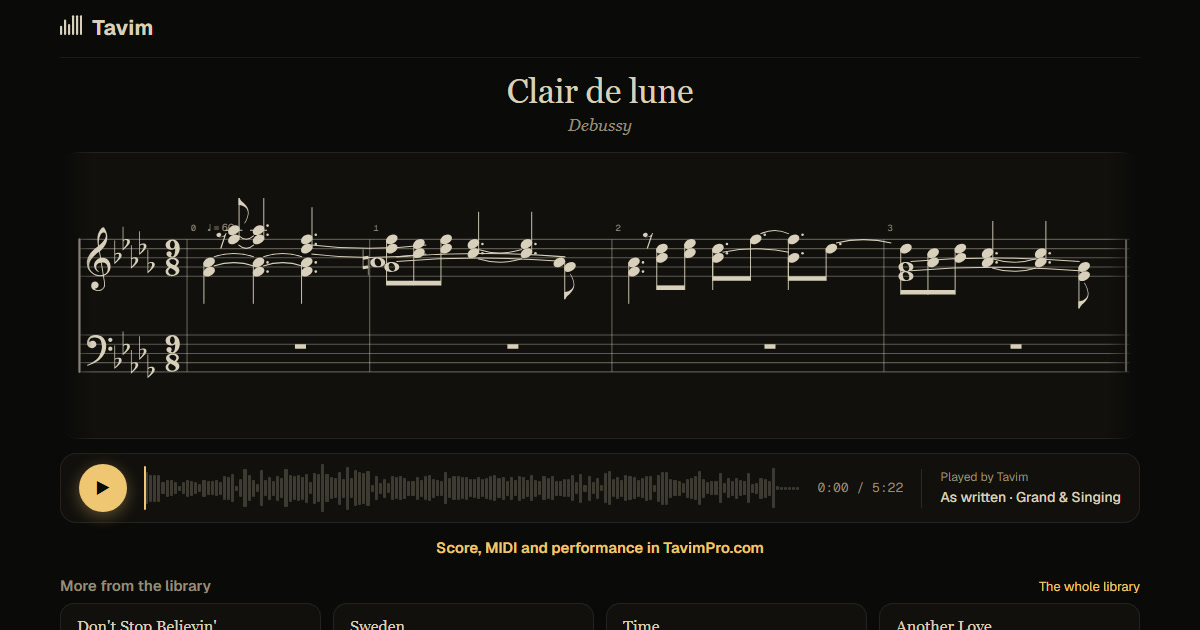
What you get
A MusicXML file of the piano: both hands on a grand staff, in bars, with the key, the metre and the tempo. Open it in your notation software and carry on from there.
Before you export, you can read the score in Tavim with every note lit as the recording plays, and correct notes. MIDI is there too, and the replay on a clean piano.
MusicXML is the format notation programs share, so the score opens with its notes, its bars, its key and its metre in place, ready for fingering, dynamics or a new layout. Correct notes in Tavim first if you like, its pitch, octave or length, or the hand it is in, and the MusicXML you export carries the corrections.
Before exporting, play the score in Tavim with every note lit and switch between the recording and its clean replay: the quickest way to hear where the transcription and the recording differ.
How it works
- Drop the recording on Tavim: audio or video, any format.
- Tavim separates the piano and writes the score.
- Check it with the notes lit, then export it as MusicXML.
What works best
Piano alone or clearly heard works best. Recordings up to an hour are taken.
The bars are most reliable on well-known pieces; on free playing, expect to tidy the bars in your notation software.
Audio and video files in most formats are taken, up to 2 GB a file. If other instruments play along, Tavim separates the piano before it writes the score; their notes can come too.
Your projects are private to you until you share a link. Tavim is free while it is in beta: 50 actions a month, and a new transcription is one.